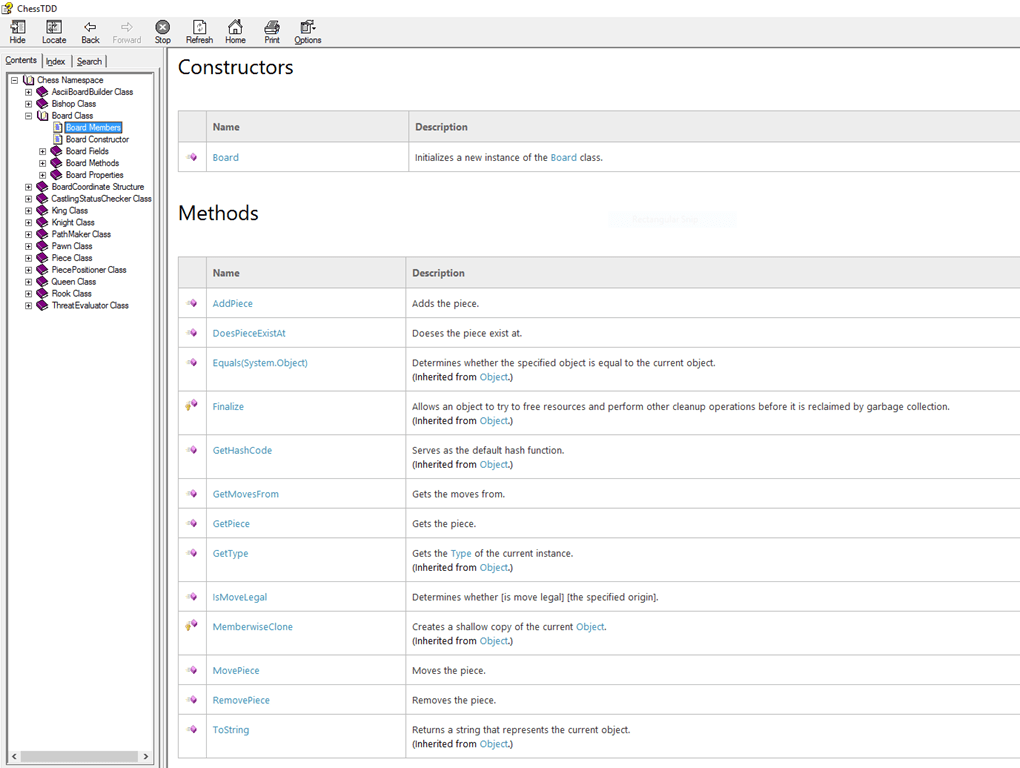
GhostDoc Pro Beta brings true Visual Editing to XML Comments
The latest beta of GhostDoc introduces a new feature that makes XML documentation authoring a breeze: visual editing for XML comments.
The number one challenge authoring XML comments, according to our users, has been keeping the valid XML that includes encoding HTML formatting tags, code samples, etc. Many of these don’t even show up until the help docs are generated.
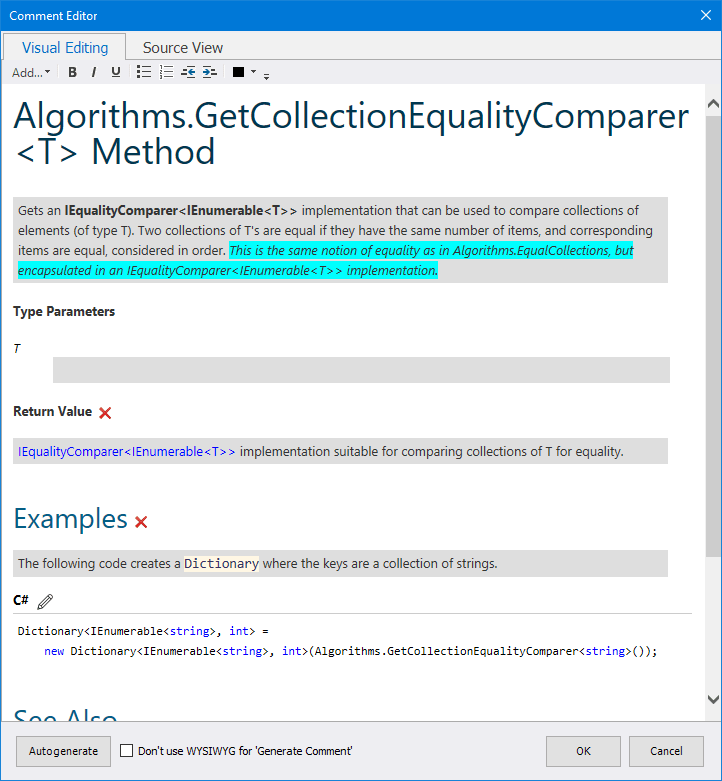
And now we offer a solution to this.
Visual editing makes it painless to insert tables, lists, pictures, links, source code samples, and other formatting directly in your XML doc comments. (Most of these are included with the beta, while few are coming in the final version.)
This is a huge leap from plain XML comment maintenance. Now you have WYSIWYG editing and don’t have to worry about valid and compliant XML in your comments.
There is no longer any need to look up the correct syntax of the XML comment section tags and format to use.
The visual comment editor allows you to create and edit comments directly within an editable preview of the generated documentation. Comments created with the visual editor are written back to your source code in standard XML format, properly encoded, when required.
You still can have GhostDoc auto-generate your XML doc template in the WYSIWYG editor. Then you have a Word-like experience to continue editing your documentation to your satisfaction.
The screen divides your help documentation into editable areas. The editable areas represent the sections of your help docs — summary, return value, etc. While a new comment includes the base set of sections, you can use the “Add…” button on the toolbar for additions, or you can delete unwanted sections.
Ready to try the new beta features?

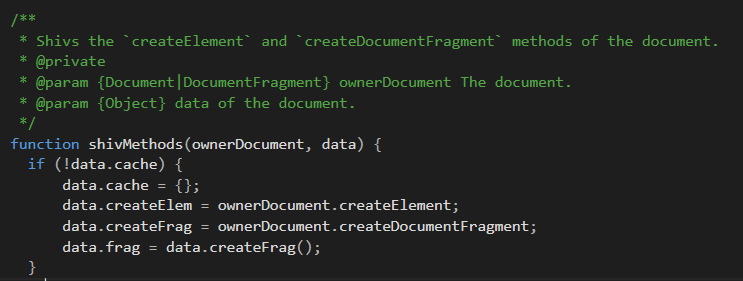


 Clearly, this wastes your time.? Even if you enjoy the detective work, you can’t argue that an employer or client would view this as efficient.? Library and API code should not require you to launch a mystery investigation to determine what it does.